In less than a month there were three frontier model releases: Gemini 3 Pro, Claude Opus 4.5 and GPT-5.2. Moreover, Google shipped a new IDE, Antigravity, promising better integration with their models and the browser.
It sounds like a wonder. I saw on Hacker News an interactive visualization of statistical physics - showing combination of PhD-level STEM skills of Gemini 3 Pro combined with Antigravity browser integration. It was even more tempting as it had support of Nano Banana Pro (a game-changer for visualization, including creating charts), so it can create visual assets on the fly, having all context. It was all spiced up by the fact that Google acquihired Windsurf team, arguably the strongest competitor of Cursor.
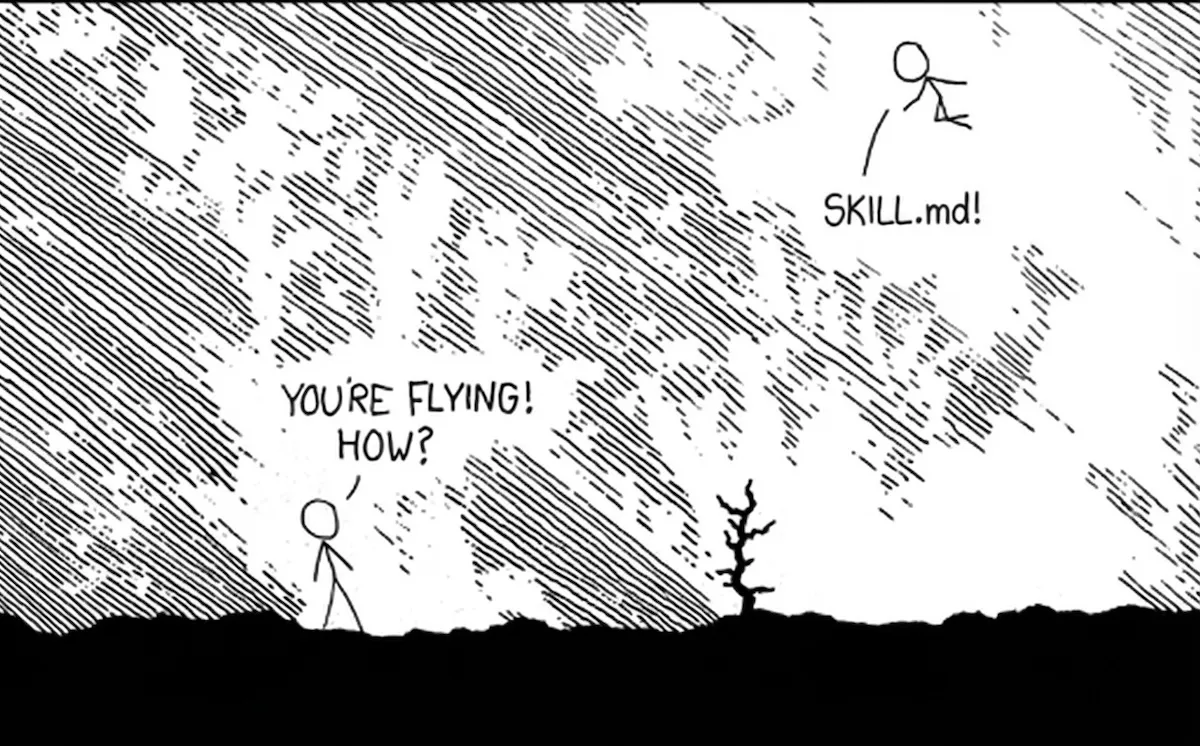
I liked the name Antigravity. Not just as a physicist, but as someone who loves puns and easter eggs; and Antigravity
is almost definitely a play on words on an xkcd strip and AGI - in the comman line, it is
agy.
I decided to give it a try - yet went back to Claude Code. Let me share why!
Slide side by side
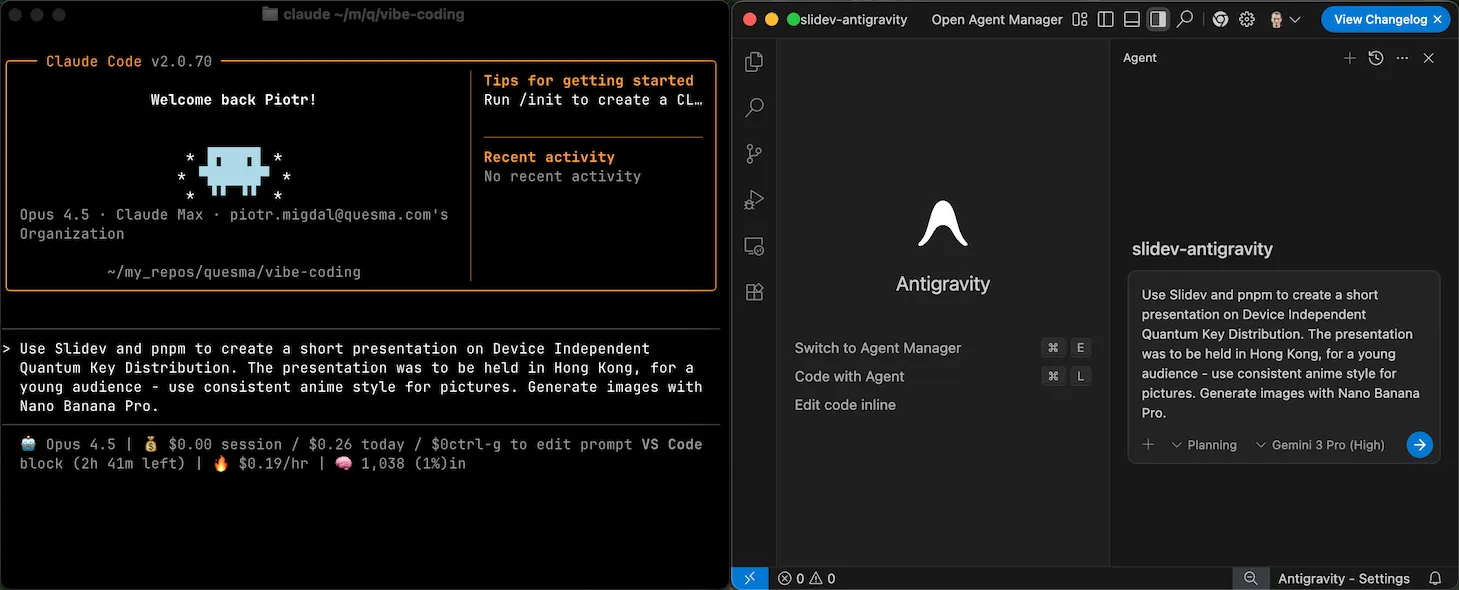
To test Antigravity vs Claude Code, I wanted to have the same project, side-by-side, spending the same amount of time and effort. The idea was not to create a proper benchmark - for that, n=1 would not be enough. Rather, I wanted to see not only the result, but the overall user experience.
To make it a challenge, I decided to use it to create slides with Markdown using Slidev. That way it will make it a comprehensive check of its ability to use a framework, understand an advanced topic, and create consistent graphics. As I just had a discussion with a quantum information researcher, Artur Ekert, I went with this prompt:
Use Slidev and pnpm to create a short presentation on Device Independent Quantum Key Distribution. The presentation was to be held in Hong Kong, for a young audience - use consistent anime style for pictures. Generate images with Nano Banana Pro.
I didn’t interfere with the content - this was a test of the workflow, not an attempt to ship the slides. Here’s the result:
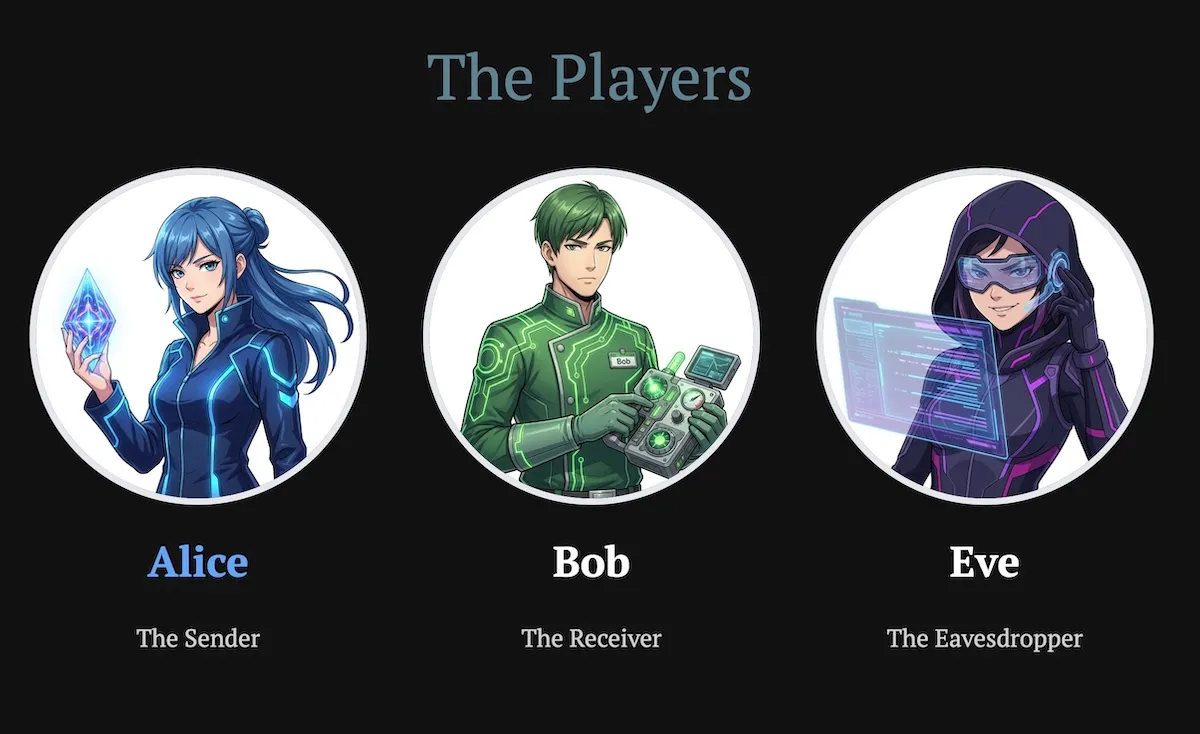
Example slide, created with Antigravity. See the presentation and its source,
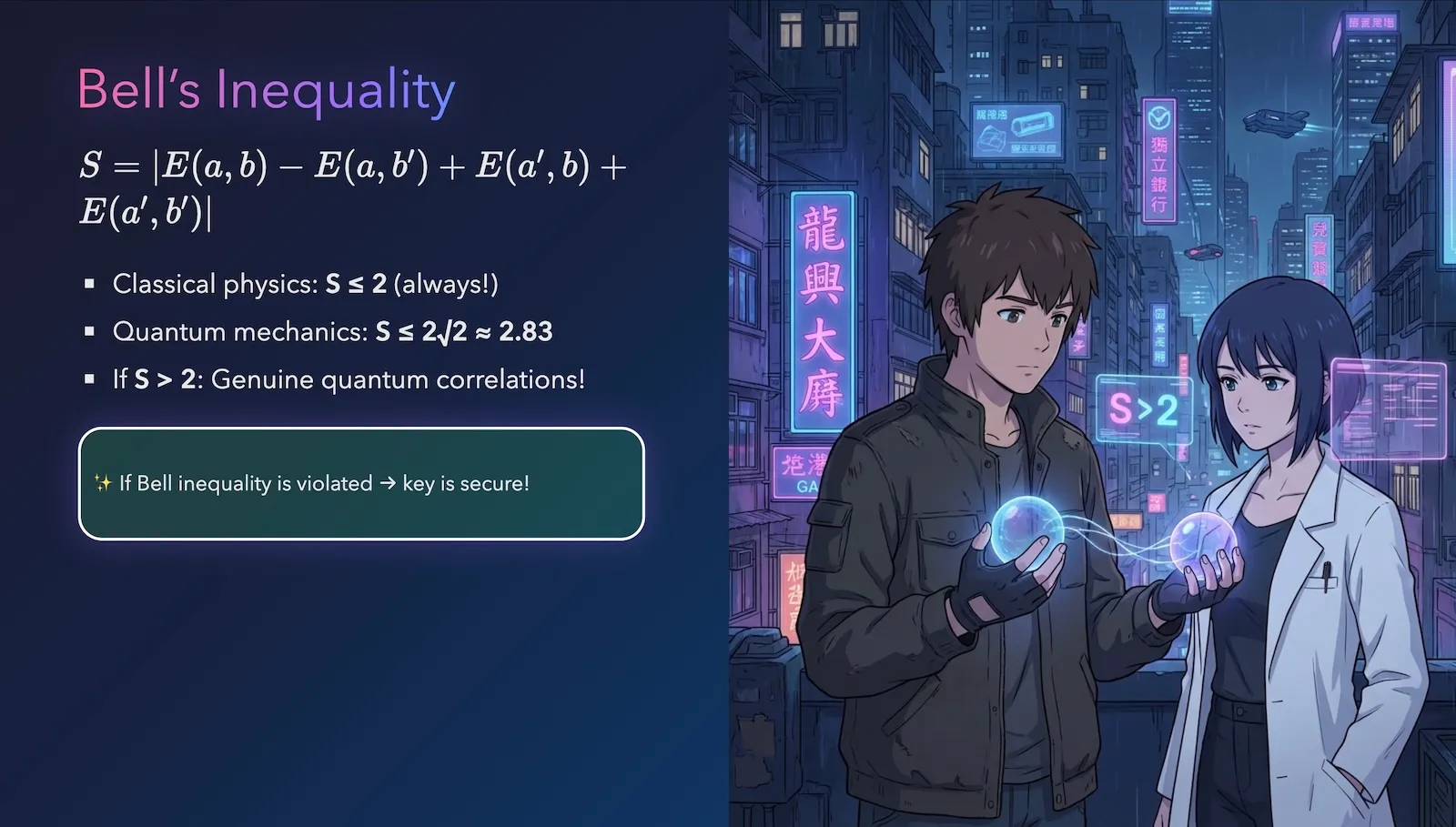
And this example from Claude Code. See the presentation and its source.
In both cases it worked! There are some rough edges, but given the ease of use, I was impressed by both. Yet, while working with Claude Code was a breeze, my experience with Antigravity was full of frustration.
Impressions of Antigravity
When I need to edit files manually or check new models, I go with Cursor - for example, writing this blog post. Yet, here I wanted to see if Antigravity makes it better.
I saw that in some cases it is better at creating websites, as it has built-in browser support (see this reverse engineering analysis to understand how it works). What I also discovered is that it has a native way of generating images with Nano Banana Pro. It is (allegedly) better integrated with Gemini 3 Pro. Or at least I assumed that since it is developed by Google, all context engineering tweaks will be focused on their top model as the first-class citizen.
Creating images in the editor (with context of the whole project) is immensely useful. Much like why we have AI editors in the first place, rather than copying and pasting code to a chat editor, and copying it back to the project.
Sadly, good things end here.
The first thing I noticed was that it felt slow. The model itself isn’t lightning-fast, but Antigravity felt heavier (pun absolutely intended) than Cursor, and the built-in browser took ages. Second, the interface is underpolished - for example, when the model needs my action, it can be hidden (literally folded) in the UI. Third, it feels ill-prompted: I asked it to check something, and instead of doing that, it gets trigger-happy. Think early days of Cursor + Sonnet 3.7. Fourth, it soon told me I was out of tokens and needed to wait - with no option to pay to continue. Frankly, I don’t understand why. I guess no one does.
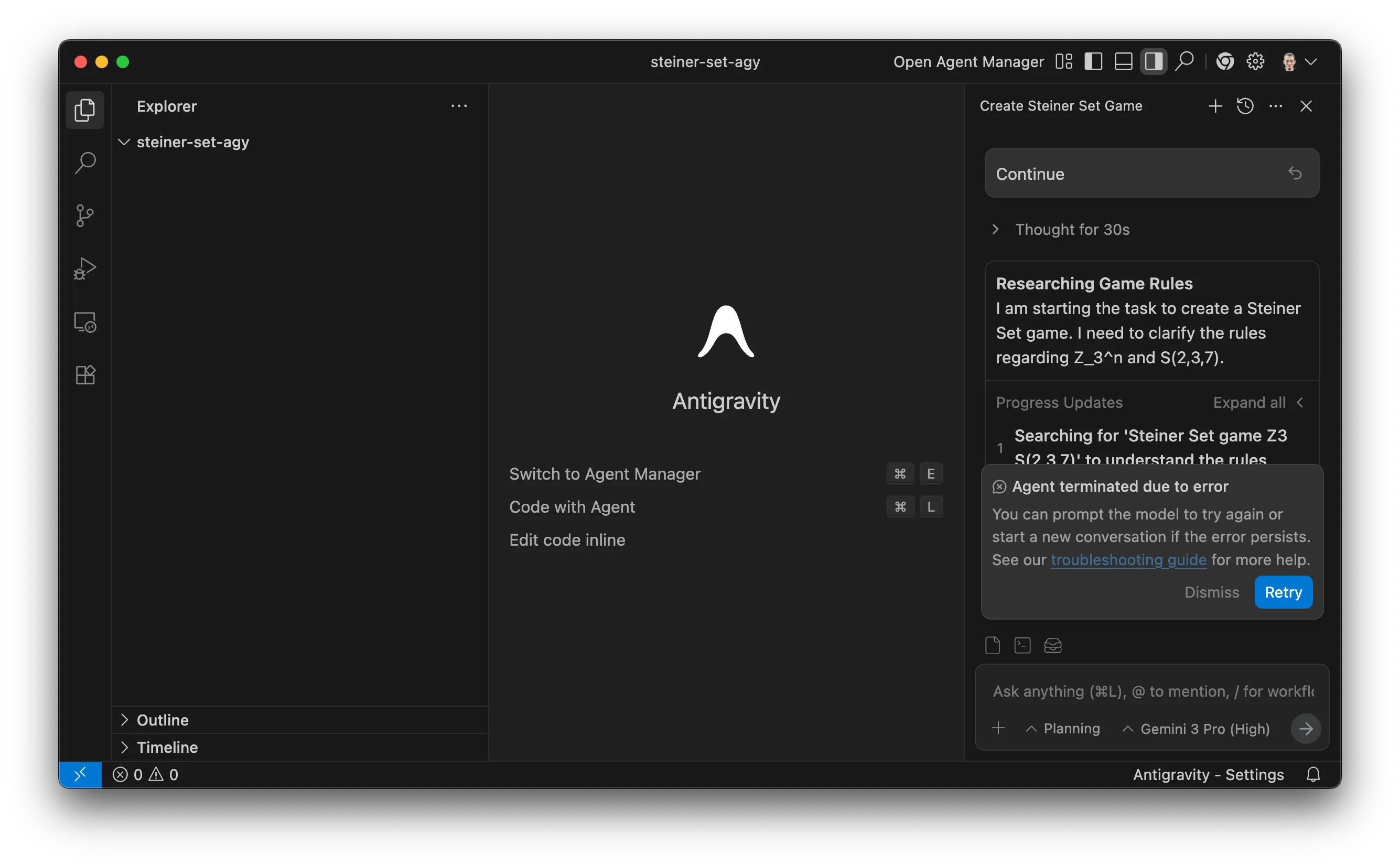
I wanted to create a web-based game to see where Antigravity shines… but was not able to.
I turned out to be the lucky one - as there are data risks and Google Antigravity may delete the contents of my whole drive. Live by vibe coding, die by vibe coding.
Sure, you may give it a try - but it does not seem production-ready.
The bliss of Claude Code
So, I went back to Claude Code, my go-to vibe coding tool, which I usually use within Ghostty terminal.
First: checking the output. Without it, you’re coding blind; generally, it makes no sense (how many of you can code a website without ever looking at it?). I use lackeyjb/playwright-skill. It just works. And to open a website and take a screenshot it happens in the blink of an eye.
Since I wanted to use Nano Banana Pro, I asked Claude Code to use an API to generate images. It took a few prompts: it tried to persuade me that Nano Banana Pro is a made-up name and that the model gemini-3-pro-image-preview does not exist. This is a typical failure mode: major models can be oblivious to things past their knowledge cutoff (and they sometimes refuse to web-search because they “know better”). Fortunately, pointing it to my last blog post and the documentation helped.
To avoid repeating those correction cycles (which model to use, what parameters to pass), I created a Claude Skill, ~/.claude/skills/nano-banana-pro. It has two components: SKILL.md (essentially its README.md) and a script that actually runs it. I use uv scripts so dependencies are declared in the header.
I created it in no time - and you can as well. Oftentimes it may be easier to vibe code your own skill, tweaked for your use-case and workflow, than search for one. If you want to look for existing ones, there is a third-party Claude Code Plugin and Skill search.
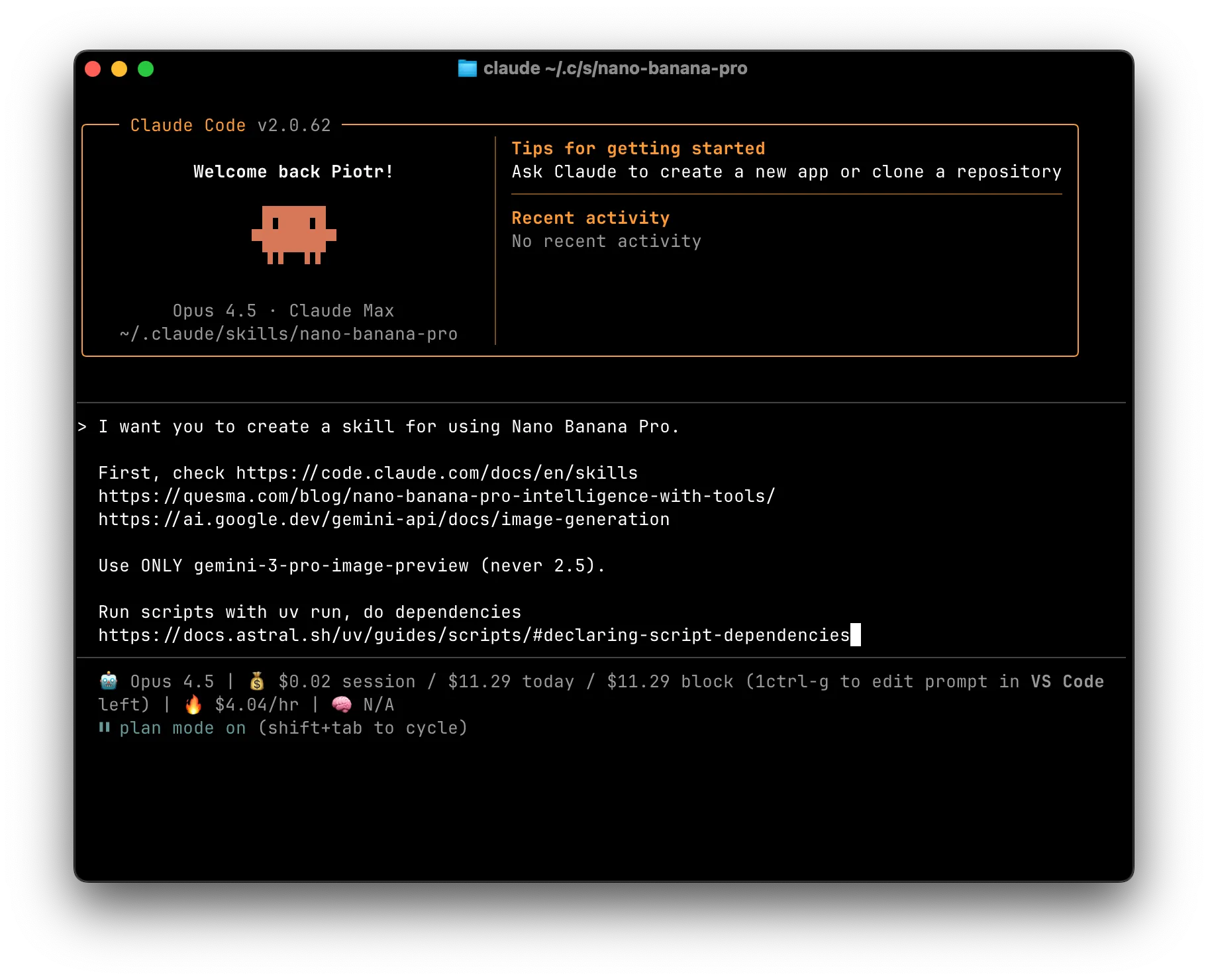
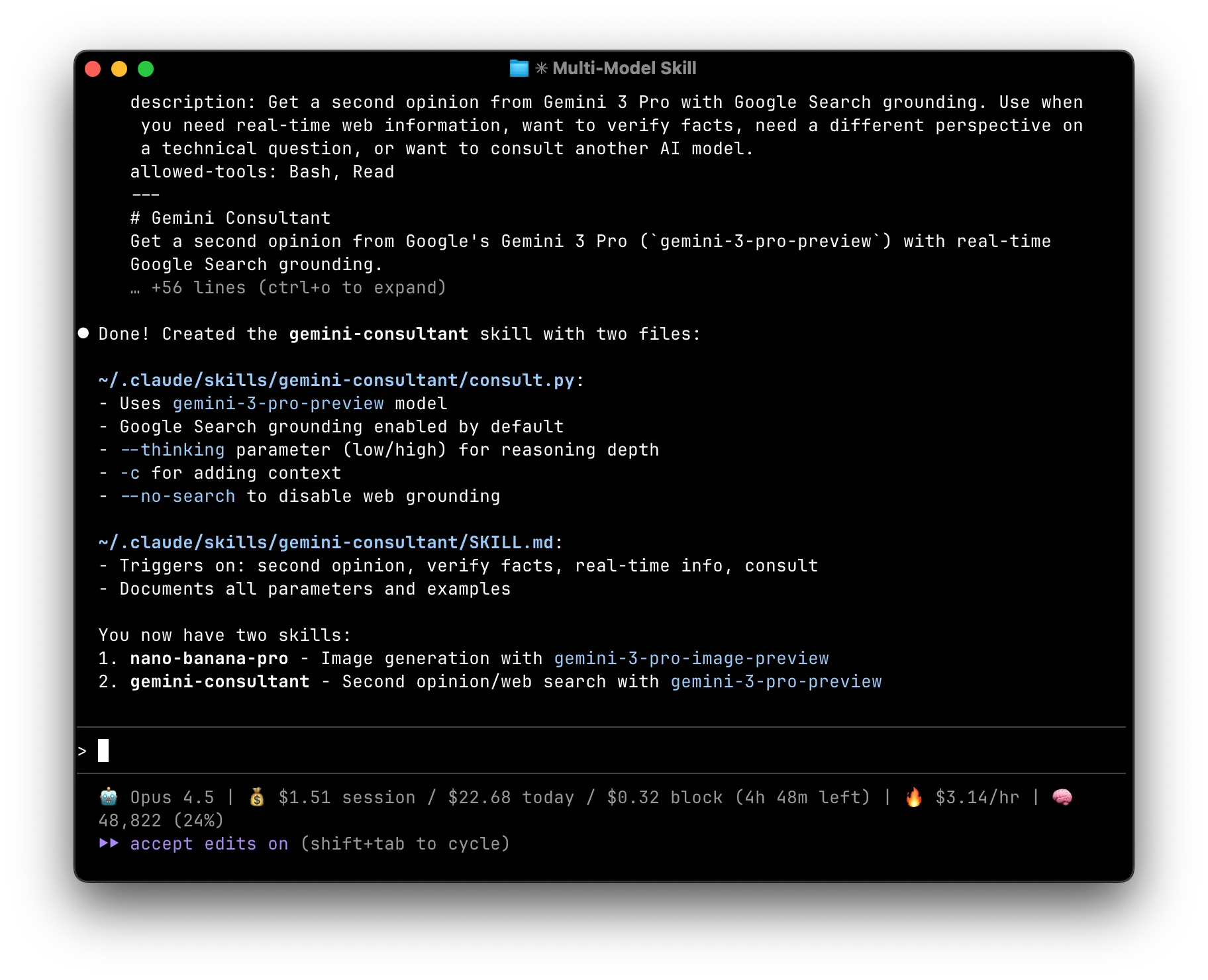
Since you might want to use it as well, I wrapped it as a Claude Plugin: stared/gemini-claude-skills. In addition, I added a way to consult Gemini 3 Pro - for search, reasoning, and its vision skills. Ironically, the hardest part is getting a Gemini API key.
Conclusion
Antigravity is a new IDE in the town. While right now there are many rough edges, I am sure it will get polished. It is hard to predict what will happen in the arena of AI-first Visual Studio Code forks.
But I think that there is much bigger thing going on - skills. As Simon Willison noted, Claude Skills are awesome, maybe a bigger deal than MCP. I was skeptical when I read his post (mid Oct 2025). Now it becomes mainstream, and ChatGPT joined the skill game.
Skills make models transcend their own skills - not only because they have recipes, but because it means that they can call other models as well. That way, the gap between “which base model do you use?” shrinks. Even when a newer, better model is released, you don’t need to change your editor - you just swap what your skills call.
Which skills are your favorites? And which skills do you want to teach your favourite tool today? And for generating images, would you still copy-and-paste your prompt into a chat window, or combine it with your workflow?
Stay tuned for future posts and releases